- Empty cart.
- Continue Shopping
Energy saving with automated lighting through daylight control
- Posted on
 Strong Digital
- 0
- Categories: Uncategorized
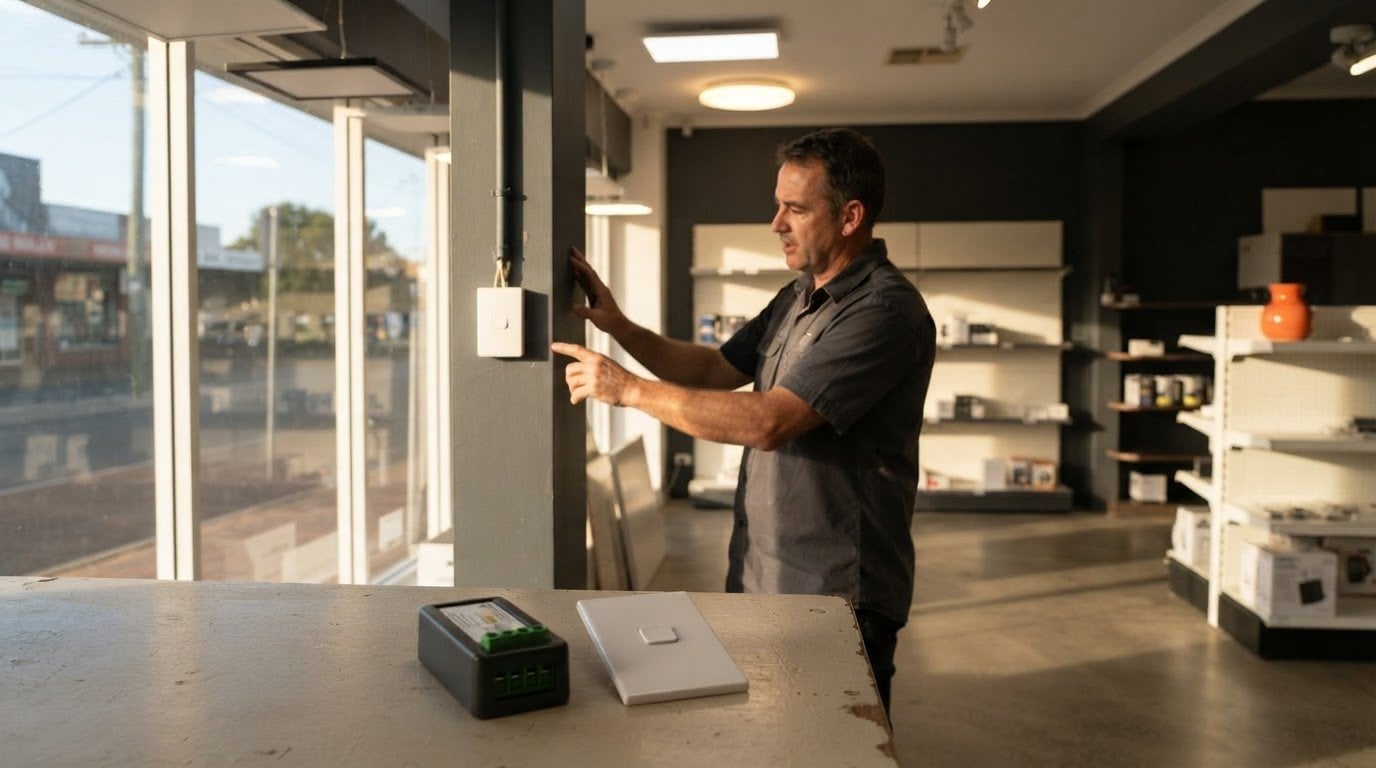
Lighting can consume up to 40% of energy in commercial premises, depending on the business and lighting type. For Australian businesses, energy saving with automated lighting comes from adjusting lights to suit actual conditions: daylight controls dim or switch off artificial lighting when natural light is sufficient. That means less wasted electricity without leaving a space poorly lit.
It makes sense to look beyond the lamps themselves. Lights left on in empty rooms or running at full brightness beside sunlit windows use energy unnecessarily, especially across a commercial building.
This article explains how daylight-responsive controls work and how automation compares with manual switching. You’ll also learn about lighting’s contribution to electricity use globally and in commercial spaces, and the factors that shape potential savings. The focus is practical: how controls respond to daylight, occupancy and schedules, and where they can make the biggest difference.
Key Takeaways
- Daylight-responsive controls can dim or switch off artificial lighting when natural light is enough, then raise output as daylight fades.
- Occupancy sensors, timers and dimming each reduce waste in different ways; matching the control to how a space is used is key.
- Efficient lighting matters at a global scale, while the energy impact of lighting varies across commercial premises.
- In commercial spaces, reviewing daylight, occupancy patterns and existing lighting can reveal where controls or changes to over-lit areas may help.
Daylight-responsive lighting
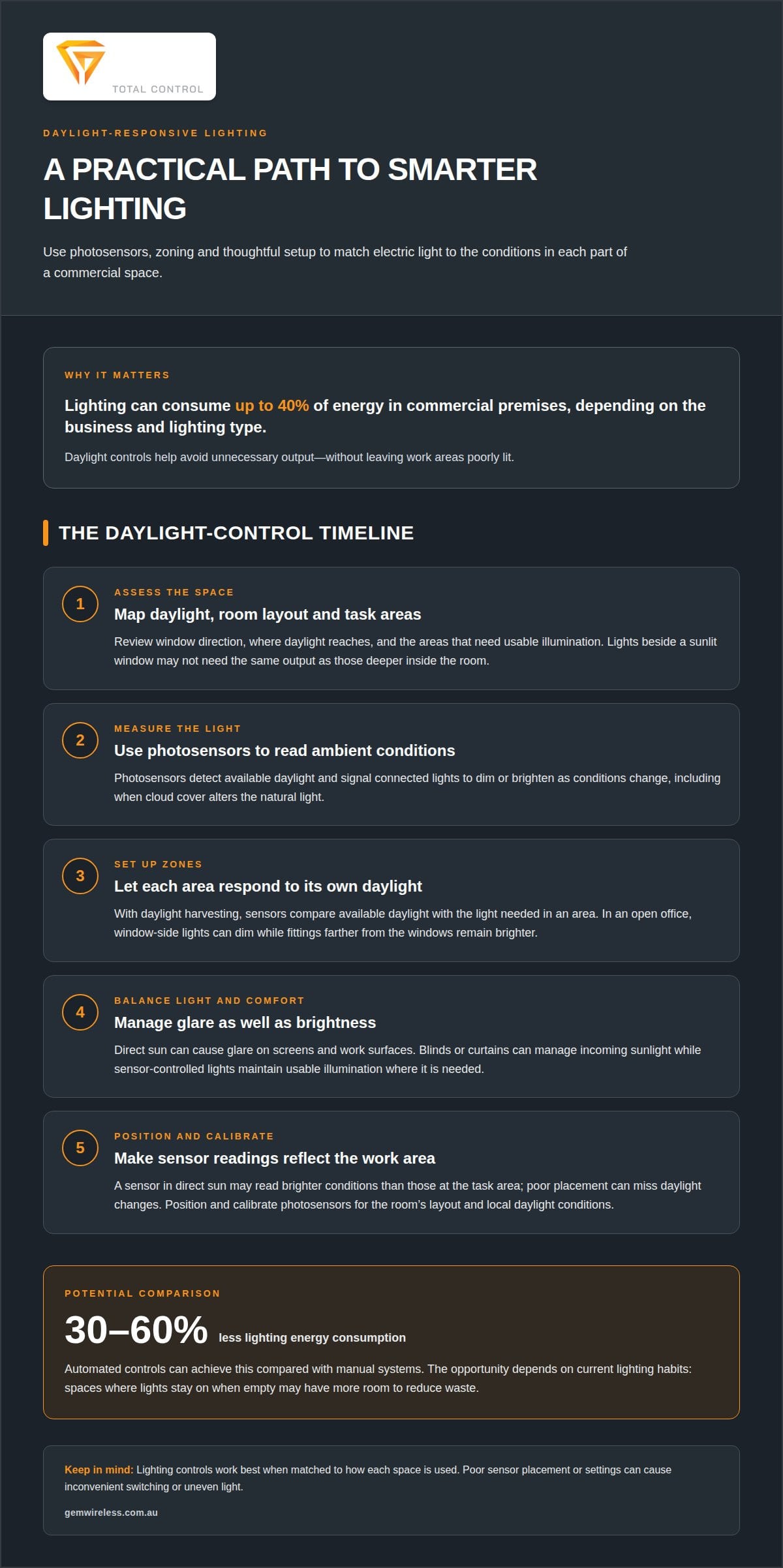
Daylight-responsive controls use photosensors to measure ambient light and adjust electric lighting as conditions change. In a commercial space, the aim is to make use of natural light while keeping work areas comfortably lit.
Adjusting lights to natural daylight
Photosensors detect available daylight and signal connected lights to dim or brighten. Near a sunlit window, artificial lighting can reduce its output; deeper inside the room, it may need to stay brighter. This makes energy use respond to actual conditions rather than a fixed switch setting, while helping maintain comfort as cloud cover and daylight levels change.
Daylight harvesting
Daylight harvesting combines natural light with controlled electric lighting to reduce unnecessary output. Sensors compare available daylight with the light needed in each area, then adjust fittings accordingly. In an open commercial office, window-side lights can dim while lights farther from the windows remain on. Zoning lets each area respond to its own daylight conditions.
Managing glare and comfort
More daylight can reduce reliance on electric lighting, but direct sun can cause glare on screens and work surfaces. Blinds or curtains can manage incoming sunlight while sensor-controlled lights maintain usable illumination. A desk facing a screen, for example, may need shading even when the rest of the room receives plenty of natural light. Balancing light levels supports comfort without treating every space the same.
Sensor placement and installation
Sensor position affects how well a system responds. A sensor in direct sun may detect brighter conditions than those at the work area, while a poorly placed sensor may miss changes in daylight. Assess window direction, room layout and task areas, then calibrate photosensors to local daylight conditions. This helps lighting respond to the Australian setting rather than a generic schedule.
How automated lighting saves energy vs manual systems
Automated controls reduce wasted lighting by responding to occupancy, schedules and available daylight. Automated systems can cut lighting energy consumption by 30-60% compared with manual systems.
Energy and carbon savings
The case for energy saving with automated lighting starts with reducing electricity used unnecessarily. Occupancy sensors detect movement, while timers switch lights off after a set period without activity. Using less electricity can also lower a building’s associated carbon emissions. The potential depends on current lighting habits: a space where lights stay on when empty offers more opportunity than one where they are switched off promptly.
Automated controls and LED upgrades
LED upgrades improve the efficiency of each fitting; automation reduces unnecessary running time or output. Combined, they address both how much power lighting uses and when it operates. In an average home, automated lighting may reduce lighting energy use by up to 50%. For energy saving with automated lighting, controls can complement LEDs, but they don’t replace an efficient light source.
Motion controls and dimming can reduce unnecessary brightness, but poor placement or settings may lead to inconvenient switching or uneven light. Automation alone doesn’t guarantee reduced flicker or glare; these depend on the fittings, controls and configuration. There’s no single average Australian electricity or installation cost for lighting controls. Electricity use, tariffs, existing wiring and system complexity all affect the figures.
Automated lighting must use suitable components and meet applicable electrical safety requirements in Australia. In NSW, the Energy Savings Scheme offers subsidies for eligible small businesses upgrading lighting. South Australia’s Retailer Energy Productivity Scheme provides subsidies for eligible businesses upgrading premises to LEDs. Eligibility and upgrade details matter, and controls alone aren’t automatically covered.
Lighting’s share of global electricity consumption
Lighting accounts for approximately 15% of global electricity consumption, using about 2,500 TWh of electricity per year. That scale makes lighting efficiency relevant beyond individual power bills. In Australian homes and commercial buildings, reducing unnecessary use also contributes to lower overall electricity demand.
LED and OLED lighting consume less electricity and last longer than traditional incandescent or fluorescent bulbs. Smart LED bulbs and efficient lighting systems can use up to 80% less energy than traditional incandescent bulbs and fluorescent lights while providing the same illumination. Some LEDs achieve 90 lumens per watt or more. These figures show why the type of fitting matters alongside how long it operates.
Lighting also has a material footprint: lamps and fittings use physical materials, and replacements add to manufacturing and waste. Smart LED bulbs can last up to 25,000 hours or more, so longer service life can mean fewer replacement bulbs over time. That reduces the number of lamp units discarded, although electricity consumption figures alone don’t measure the materials used across a product’s full life cycle.
Zoning makes lighting easier to match to actual use. Dividing a home or workplace into areas allows different lighting rules for a kitchen, corridor or meeting room. For example, a vacant meeting room in a commercial office can follow a different schedule from an occupied work area. Light levels can also respond to each zone’s use, rather than keeping every fitting at the same output.
Monitoring adds another practical perspective. Energy reports from some smart lighting systems can identify rooms with high lighting energy use and schedules that need adjustment. A facilities team can review operating hours, compare zones and find where lights remain on unnecessarily. Efficient LEDs, zoning and monitoring each address a different part of lighting-related energy consumption.
Commercial lighting energy use
Lighting can consume up to 40% of energy in commercial premises, depending on the business and lighting type. A warehouse, office and retail shop use spaces differently, so one control plan won’t suit every building. The practical goal is to match brightness to activity, occupancy and available daylight, rather than lighting every area at full output throughout the day.
Start with how each space is used
A lighting energy audit can assess occupancy patterns, daylight potential and the existing electrical setup. These details help identify where energy-efficiency improvements could be most useful. For example, meeting rooms may sit empty between bookings while work areas remain occupied. Motion sensors can respond to room use, while scheduled controls may suit areas with predictable operating hours.
Daylight also varies across a commercial building. Window-side workstations may need less artificial light than interior corridors or storage areas. Zoning lets controls respond to those differences, adjusting brightness by area instead of applying one setting everywhere. That can make smart lighting more useful and convenient for staff, while reducing unnecessary operation.
Look beyond controls
Existing fittings can reveal another opportunity: removing excess lamps from over-lit areas. An office with more fittings than its tasks require, for instance, may use unnecessary electricity even when occupied. Reviewing task needs, daylight and operating patterns helps distinguish useful illumination from avoidable output. The result is a targeted plan, not simply more automation.
Integration matters too. Controls need to suit the building’s existing electrical setup and how staff use each zone. A motion sensor may suit a storeroom with intermittent visits, while a reception area may need lighting throughout staffed hours. Matching control types to real activity helps prevent lights switching off at inconvenient times.
For a commercial premises, the clearest starting point is an audit of occupancy, daylight and existing fittings. To explore wireless lighting control options, consider how switching controls could fit the way your spaces operate.
Gem Wireless: Switch Module Kits
Gem Wireless offers Switch Module Kits for adding wireless control to lighting and switching systems. They work with existing switches and lights without rewiring, making them a practical option for modernising an established setup.
For a home or commercial space, the right control option depends on the existing switches, lighting layout and areas you want to manage. Gem Wireless also offers Mains Powered Switches, Long Range Switches and Switching Modules. These products offer a practical next step when considering how wireless controls could support more responsive lighting use.
Explore the available options and contact Gem Wireless to discuss your lighting control needs.
Make your next lighting decision practical
Choose a space where lighting use is easy to assess, such as a meeting room, corridor or window-side work area. Note when it is occupied, how daylight changes its lighting needs and whether people often leave the lights on. These observations give you a clear starting point for deciding which controls could suit the space.
For energy saving with automated lighting, match the control approach to how your building operates. Gem Wireless offers Switch Module Kits, Mains Powered Switches and Long Range Switches for lighting and switching systems. Choose based on the setup you want to control, rather than adding complexity for its own sake.
If you’re ready to explore wireless lighting controls, contact Gem Wireless to discuss lighting controls. A considered change can help make everyday lighting simpler to manage.
Frequently Asked Questions
What should I consider when installing an automated lighting system in a commercial building?
Start by mapping operating hours, tasks, existing fittings and areas that need separate controls. Check that sensors can detect activity in the intended zone without responding to movement in adjoining spaces. Consider how daylight changes across work areas and whether staff need a manual override. For systems linked with other building controls, plan how integration will affect existing operation and maintenance.
How much energy can automated lighting save in Australian homes and businesses?
Automated lighting systems can reduce energy consumption by 30-60% compared with manual systems. In an average home, automated lighting may reduce lighting energy use by up to 50%. Treat these figures as potential reductions, not a forecast for every site. Actual savings depend on existing lighting, hours of use, occupancy patterns and how often lights run when nobody needs them.
How do occupancy sensors and motion-activated lights reduce energy use?
Occupancy sensors respond to detected presence, allowing lights to operate only while a space is in use. For example, a vacancy timer in an intermittently used storeroom can switch lights off after a period without detected movement. A regularly occupied reception area needs a different approach. Sensor coverage, placement and timing settings affect how well lights respond to everyday activity.
How much can daylight sensors and dimming controls save?
There isn’t one fixed saving figure for daylight sensors or dimming controls. Their effect depends on how much daylight reaches the work area, the required lighting level and how long fittings would otherwise run at full output. In a room with bright windows, dimming can reduce artificial lighting during daylight hours. Areas with little daylight have less opportunity to benefit from daylight-responsive controls.
How long is the payback period for smart lighting controls?
Facilities may see a return on investment for automated lighting within 2-3 years. The payback calculation depends on the project’s upfront costs and the electricity savings achieved through reduced operating hours or dimming. A building with long lighting schedules and frequent unoccupied periods has different savings opportunities from one already using lights only when needed. Compare projected energy reductions with the project costs.
How can I choose and install automated lighting controls?
Choose controls based on the space’s use, existing switches and the behaviour you want to automate. Gem Wireless Switch Module Kits work with existing switches and lights without rewiring, and require no pairing or programming. They can suit a retrofit where the goal is to add wireless switching. For daylight response specifically, the control system needs a light-sensing function.
automated lightingcommercial lightingdaylight controlenergy efficiencylighting controlsoccupancy sensors